Zero-downtime database migrations: expand and contract
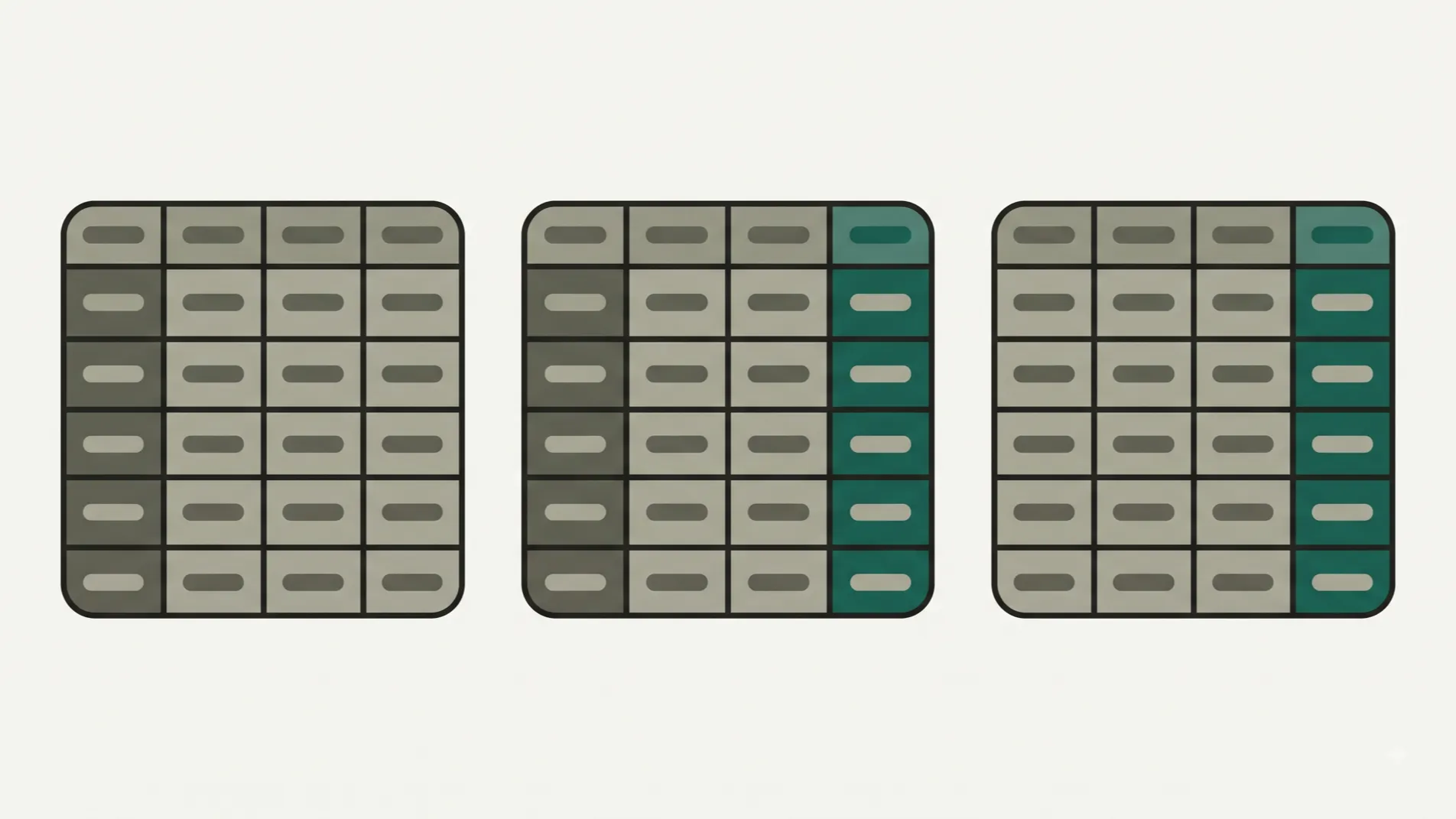
Renaming a column is one line of SQL, and it can take the product down during the deploy. The reason is simple and always forgotten: for a few minutes, old code and new code run side by side, and the old code asks for a column that no longer exists. The pattern that prevents it is called expand and contract, it has three steps, and the real problem is that the third one almost never gets done.
Why it breaks
A deploy isn’t instantaneous. However you do it, for a while some instances serve requests on the old version and others on the new one.
If the migration runs first, the old code queries a column that’s gone. If it runs after, the new code queries one that doesn’t exist yet. No order is correct, because the problem is that the change isn’t compatible with both versions at once.
Which leads to the rule that governs everything else:
Every migration has to be compatible with the code already running in production.
The three steps
1 · Expand. Add the new thing without touching the old one. A new nullable column, with its index if it needs one. At this point the old code keeps working, because nothing has been removed.
2 · Migrate. The new code writes to both and reads from the new one. The new column is backfilled with historical data in batches. When the backfill is done and all the code in production is the new version, the old column is no longer read: it’s only written to as a safety net.
3 · Contract. Stop writing to the old column, deploy, and in a later migration drop it. Never in the same one: if something goes wrong and you have to roll back, the old column has to still be there.
Step 3 goes in a later migration, never the same one: if you have to roll back, the old column has to still be there.
Three deploys to rename a column. It looks disproportionate, but it’s exactly what it costs to avoid a downtime window.
The step nobody gets around to
Here’s the real failure, and it has nothing to do with technology.
Steps 1 and 2 are urgent: without them the new feature doesn’t ship. Step 3 is something nobody asks for, nobody sees, and there’s always something more important. So it never gets done.
Two years later you have columns nobody reads, duplicated columns where one is half-filled, and sync triggers that no longer sync anything but still fire on every write. The wasted space is the least of it: nobody knows which of the two columns is the right one, and every new person who joins asks the same question.
What works, in order of effectiveness:
- Create the contract task at the same time as the expand task, with a due date, instead of waiting until the work is done.
- Note in the migration itself what replaces it and when it can be dropped. A comment in the file, which is where whoever inherits it will look.
- Review the pending ones once a quarter. Half an hour, and it spares you the archaeology.
Operations that lock the table
The other half of the problem: some changes, even compatible ones, lock the table while they run. On a large table that’s an outage, however innocent the SQL looks.
| Operation | What happens |
|---|---|
| Add a nullable column with no default | Instant in modern Postgres |
| Add a column with a default | Instant since Postgres 11 if the default is constant; a volatile default, such as the current timestamp, still rewrites the whole table |
| Create an index | Blocks writes unless it’s created concurrently |
Add NOT NULL to an existing column | Scans the whole table to check it |
| Add a foreign key | Checks every row and locks both tables |
| Change a column’s type | Rewrites the table |
The details are in the ALTER TABLE documentation.
Two practical rules follow from that table:
Create indexes concurrently. It takes longer and doesn’t block. The only drawback is that if it fails it leaves an invalid index behind, which has to be dropped and rebuilt.
Add constraints in two stages. First you declare them without validating, so they apply to new rows; then you validate them, which scans the table without blocking writes. On a table with millions of rows, doing it this way is the difference between no outage and one lasting several minutes.
What’s still hard
- The long transaction that blocks everyone. A migration waiting for another operation to finish sits in the lock queue, and from then on everything touching that table stops. Set a maximum lock wait time: better for the migration to fail fast than to freeze the product.
- The massive backfill. Filling ten million rows in a single statement creates a huge transaction and puts pressure on replication. Do it in batches, with a pause between them.
- Deploys that can’t be ordered. If two different services read the same table, expand and contract has to be coordinated between them, and that’s where the pattern gets genuinely hard.
When this is over-engineering
If your product can go offline for five minutes in the middle of the night and nobody notices, stop the service and run the migration in one go. It’s faster, simpler and less error-prone than three coordinated deploys. Plenty of people build the full pattern for a product that could easily afford a maintenance window.
The threshold is concrete: when there are users across different time zones, or when downtime means lost money or a call from the customer. Before that, a maintenance window is simply the right decision.
What’s always worth doing, even if you can afford downtime: never drop anything in the same migration that replaces it. That rule costs nothing. With it you roll back in a minute; without it you restore a backup.
Nimboo builds whole products and maintains them afterwards, so the migrations two years from now are done by whoever wrote the data model. How all of this gets decided in the design phase is in custom SaaS, and Vecinly is a product in production whose customers don’t tolerate downtime.